What You Will Learn
- What is
Firebase? - How to create a
Firebaseproject.
Firebase: A Streamlined Development Platform from Google
Firebase is a development platform from Google that streamlines the process of building mobile and web applications. It offers a suite of tools that handle many of the behind-the-scenes tasks, eliminating the need for extensive custom coding. This allows developers to focus their efforts on the core features and functionality that make their app unique.
In essence, Firebase is a comprehensive backend solution.
It provides a set of cloud computing services and application development tools. These services encompass databases, authentication, integration features, and more, all readily available for a variety of application development environments. Firebase supports popular platforms like Android, iOS, JavaScript, Node.js, Java, Unity, PHP, and C++.
- Before you can work on Firebase, it is required that you have a Google account. Therefore create a google account before proceeding in the next steps.
- To get started with Firebase, visit the Firebase console.
- Click
Go to console. - Sign-in with your
Googleaccount.
In order to use the services of Firebase in your apps, a project is needed.
- After
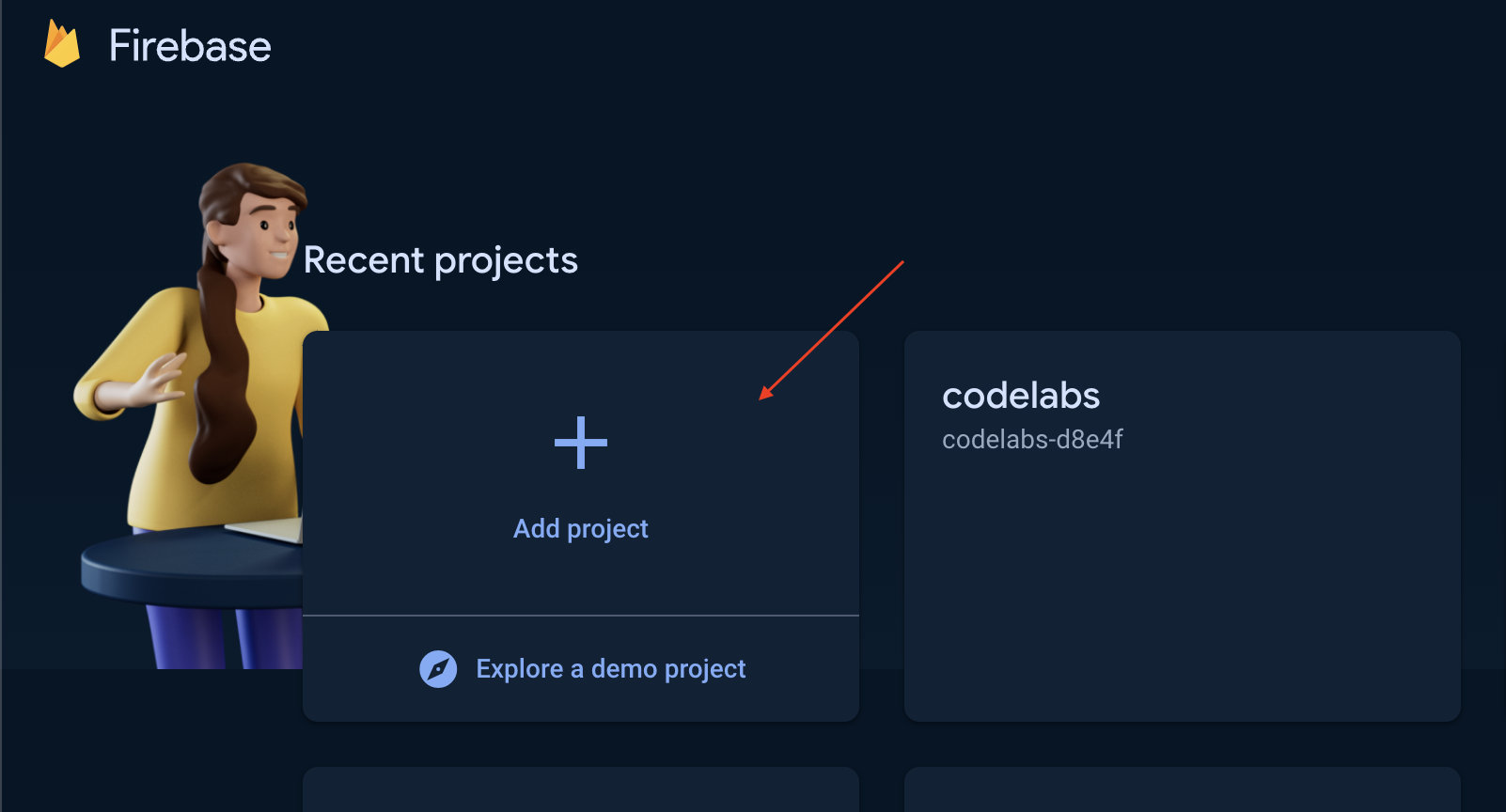
Googleaccount sign-in, you will redirected to the projects dashboard ofFirebase. - To create a project, click the
Add projectpanel.
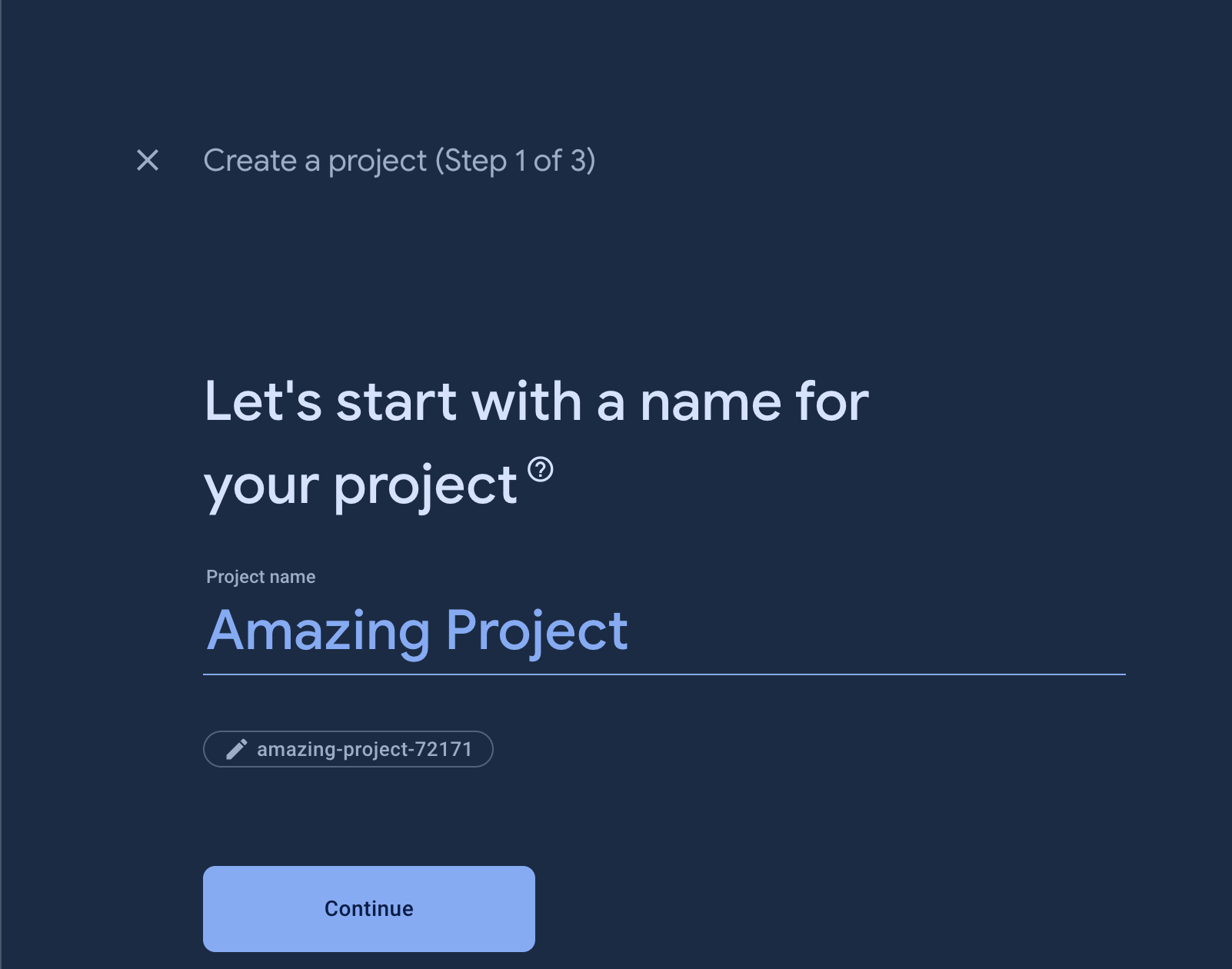
- Provide the name of your project then click continue.
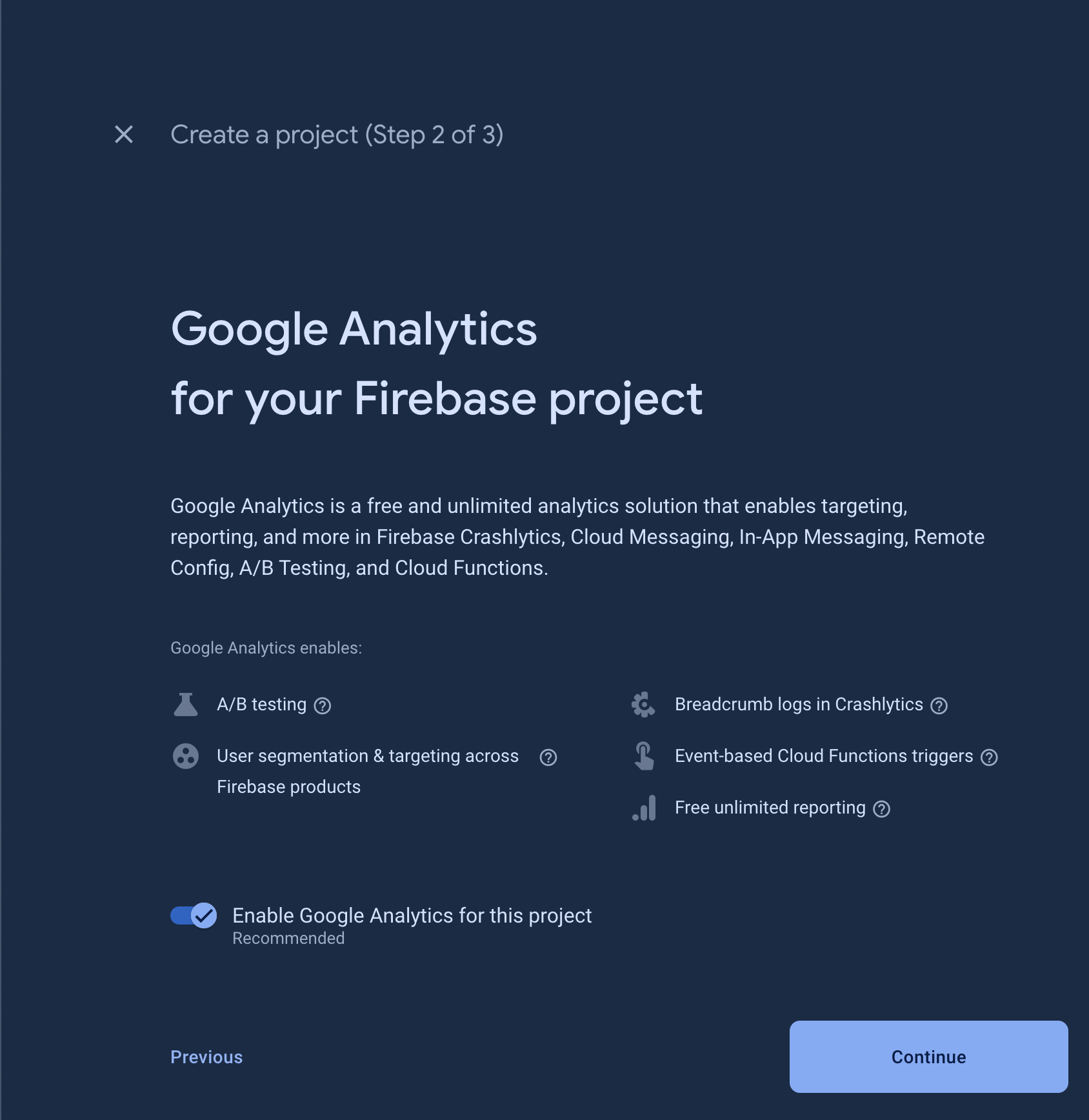
- Keep everything on default and click continue.
- Select
Create a new accountto create a Google analytics account if you do not have any Google analytics account yet or selectDefault Account for Firebaseif available.
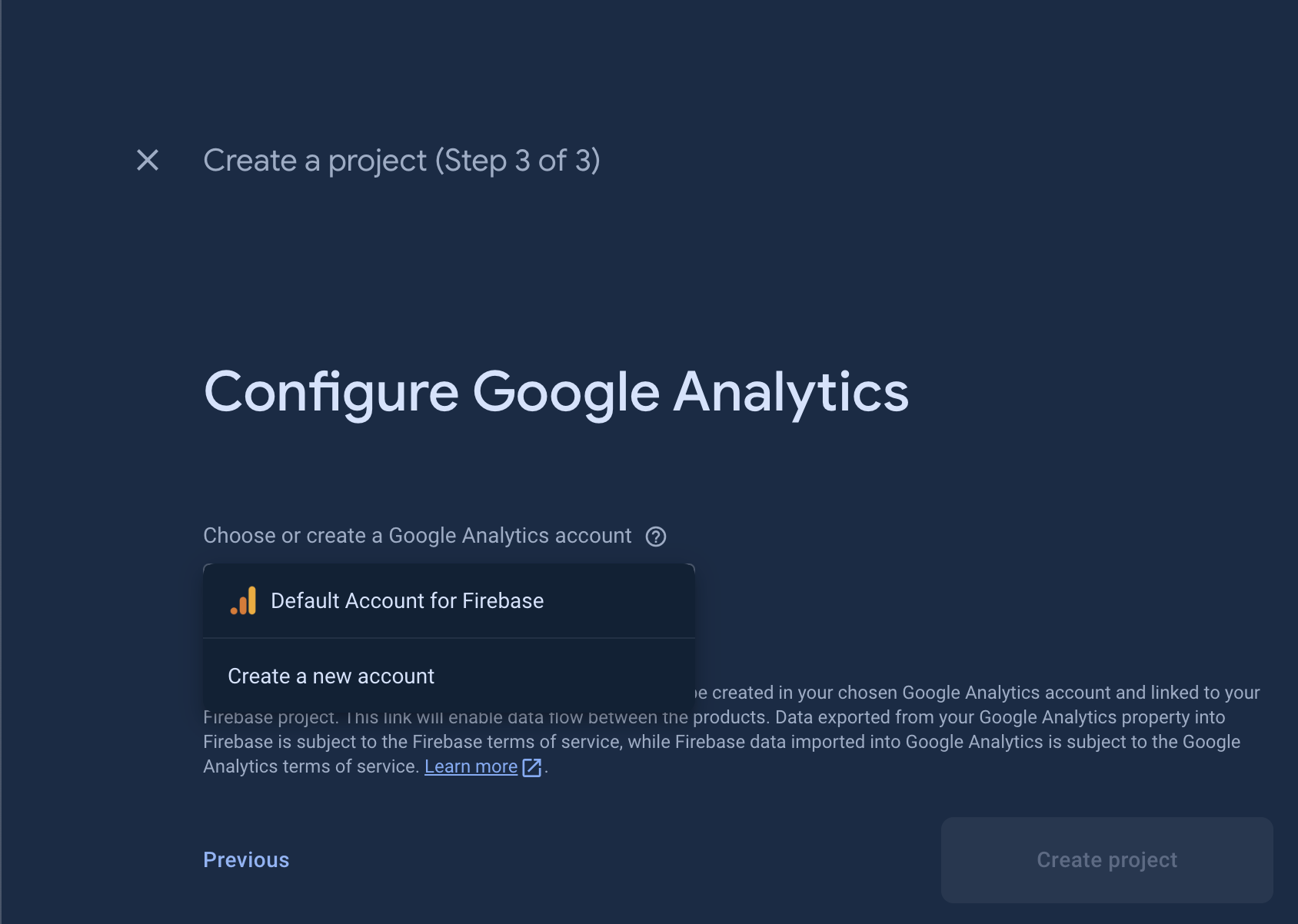
- Click
Create Projectbutton. Immediately,Firebasewill do provisioning of your project. Please be patient at this stage because the provisioning might take a few minutes to be accomplished.

- Once provisioning is done, your project should be ready by now, and click
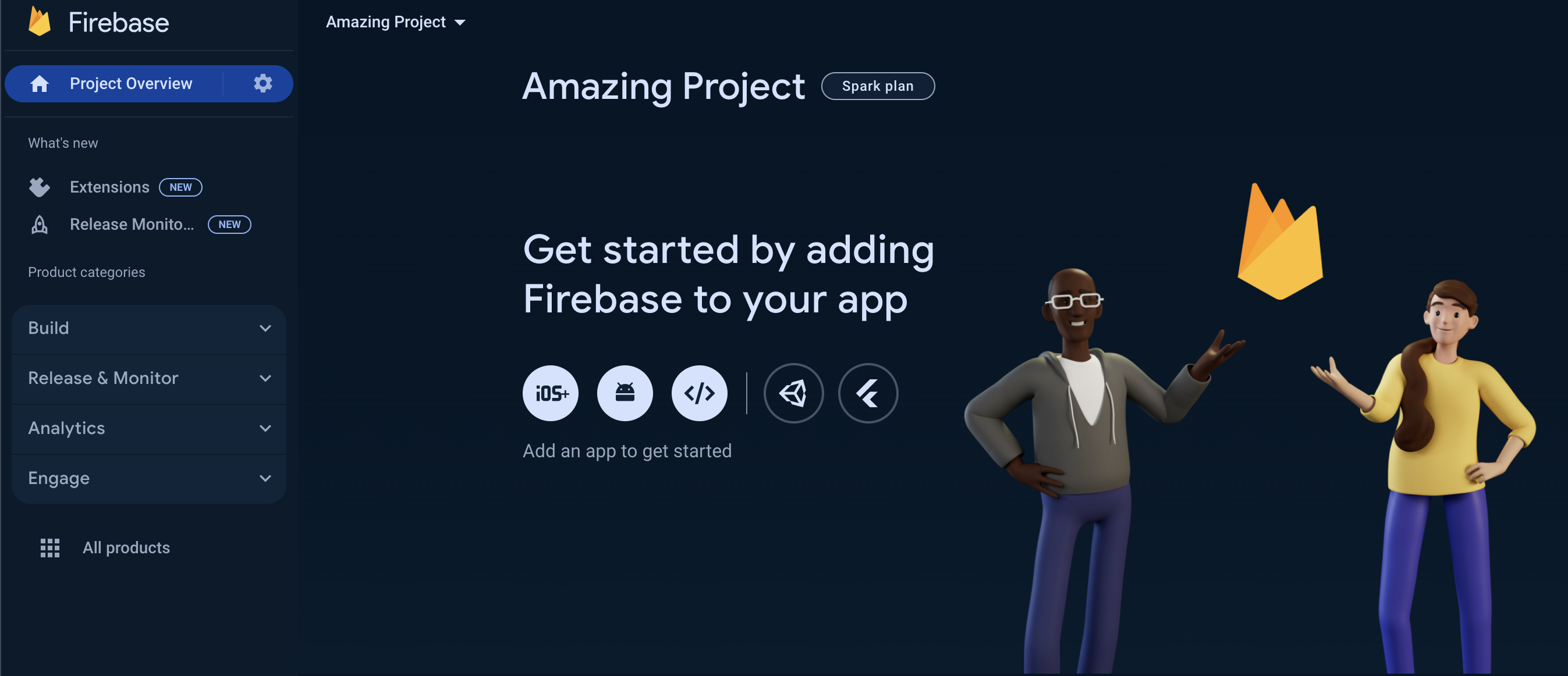
Continueto proceed to your project dashboard.
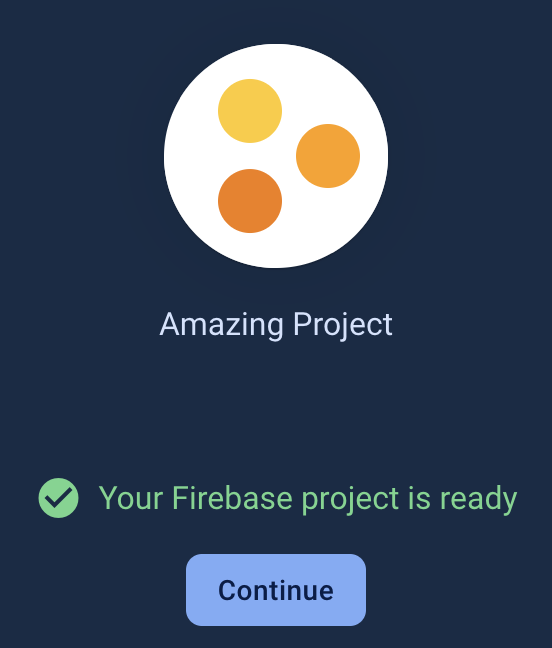
Congratulations! You have successfully created a Firebase project, now you are ready to connect Firebase to your apps!